A waiter robot doesn’t replace staff; it takes over the most monotonous part: walking from the kitchen to the table and back. Because of that, waiters stay in the dining room more instead of going in circles. For it to really help, choose and launch it step by step.
Step 1. Measure the dining room
- the width of the narrowest aisles between tables and chairs;
- thresholds, carpets and floor level changes;
- the route to the kitchen and back, and places on it where people and carts appear;
- where the charging dock will stand.
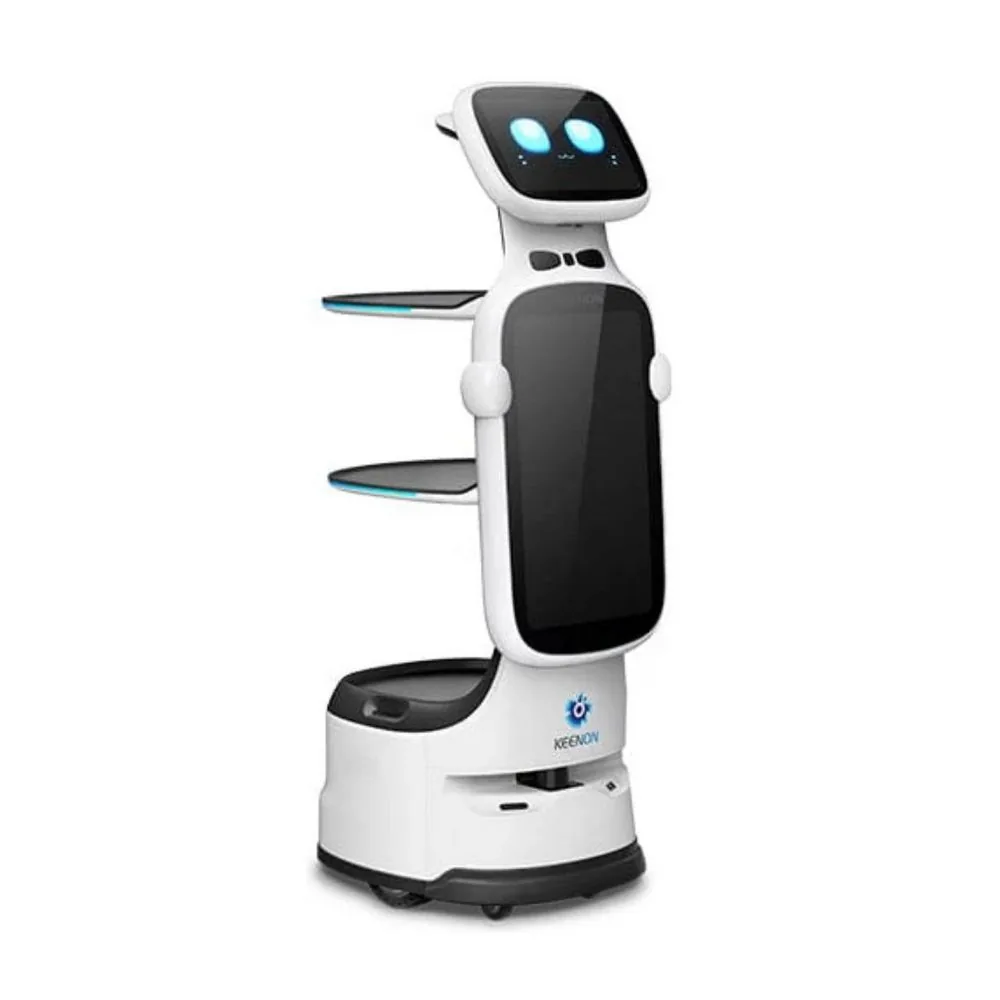
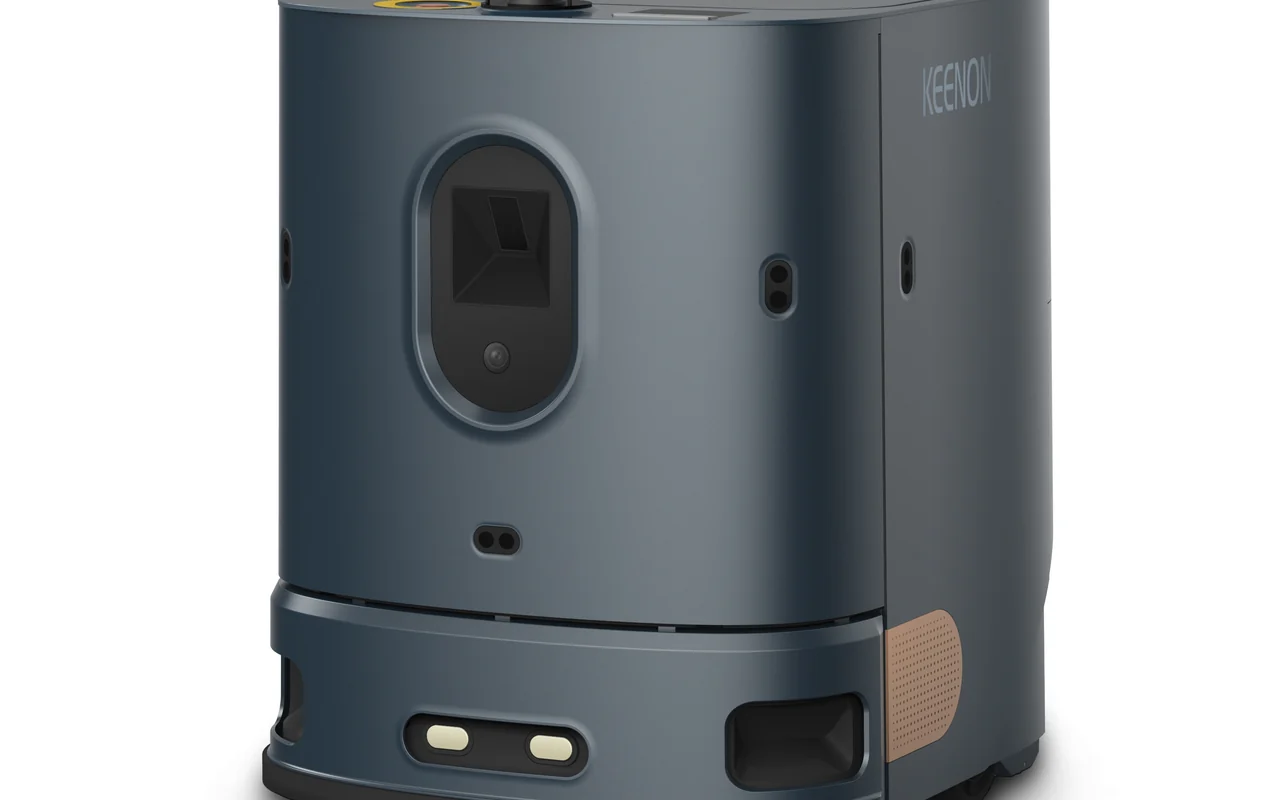
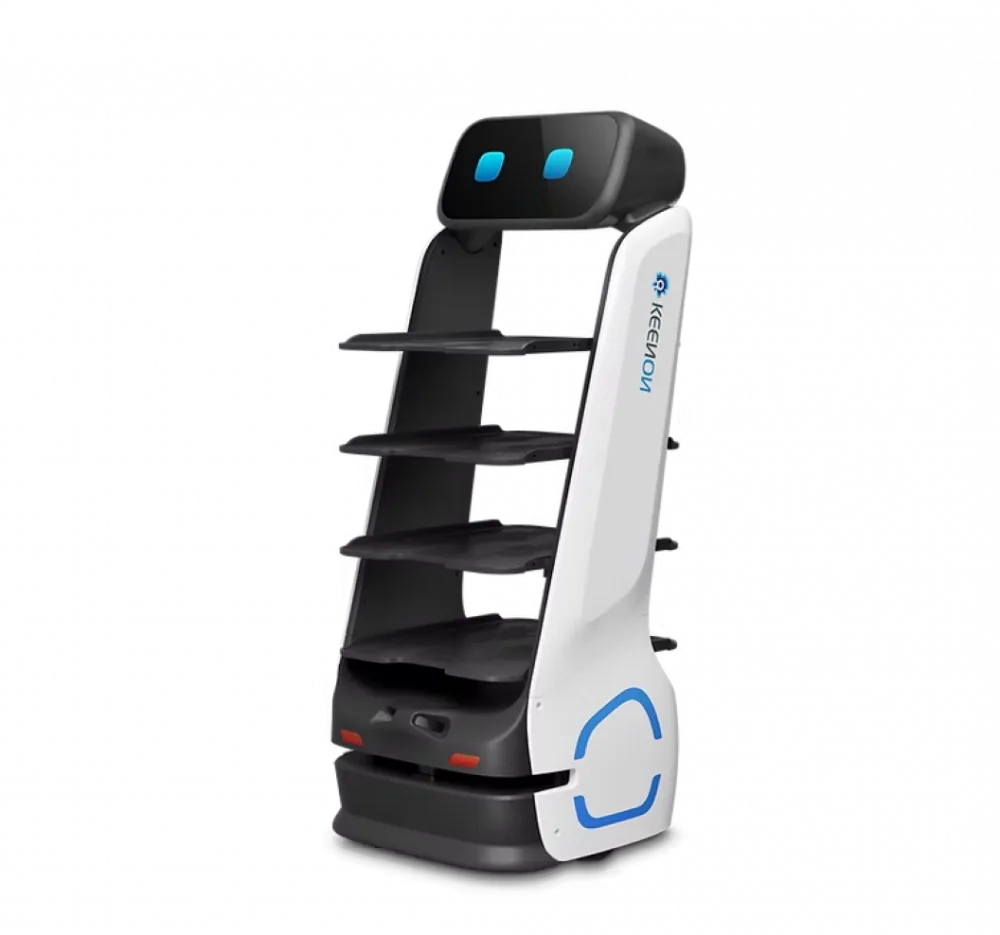
This determines which model will fit: the Keenon DINERBOT T11 passes from 49 cm, while the Pudu BellaBot and Keenon T9 have wider bodies but more trays.
Step 2. Determine the payload and number of tiers
| Model | Trays and payload | Runtime | Features |
|---|---|---|---|
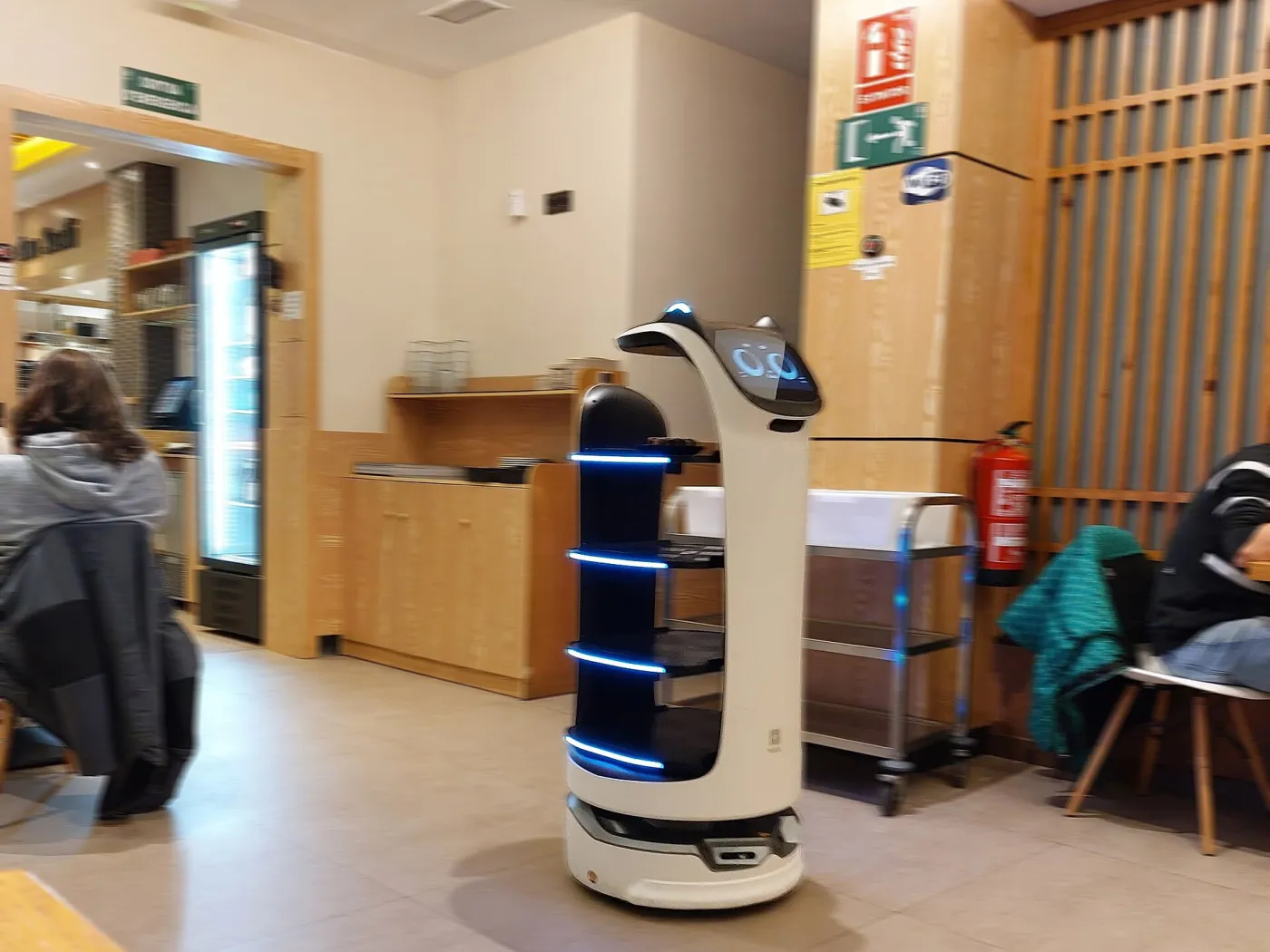
| Pudu BellaBot | 4 trays, up to 40 kg | up to 13 h | Lidar and visual navigation, fast battery swap, voice and emotions |
| Keenon DINERBOT T9 | 4 tiers, up to 40 kg | up to 18 h | Auto-charging, for restaurants and banquets |
| Keenon DINERBOT T11 | Up to 20 kg | — | Passes from 49 cm, up to 1 m/s, front screen and advertising display, auto-dock |
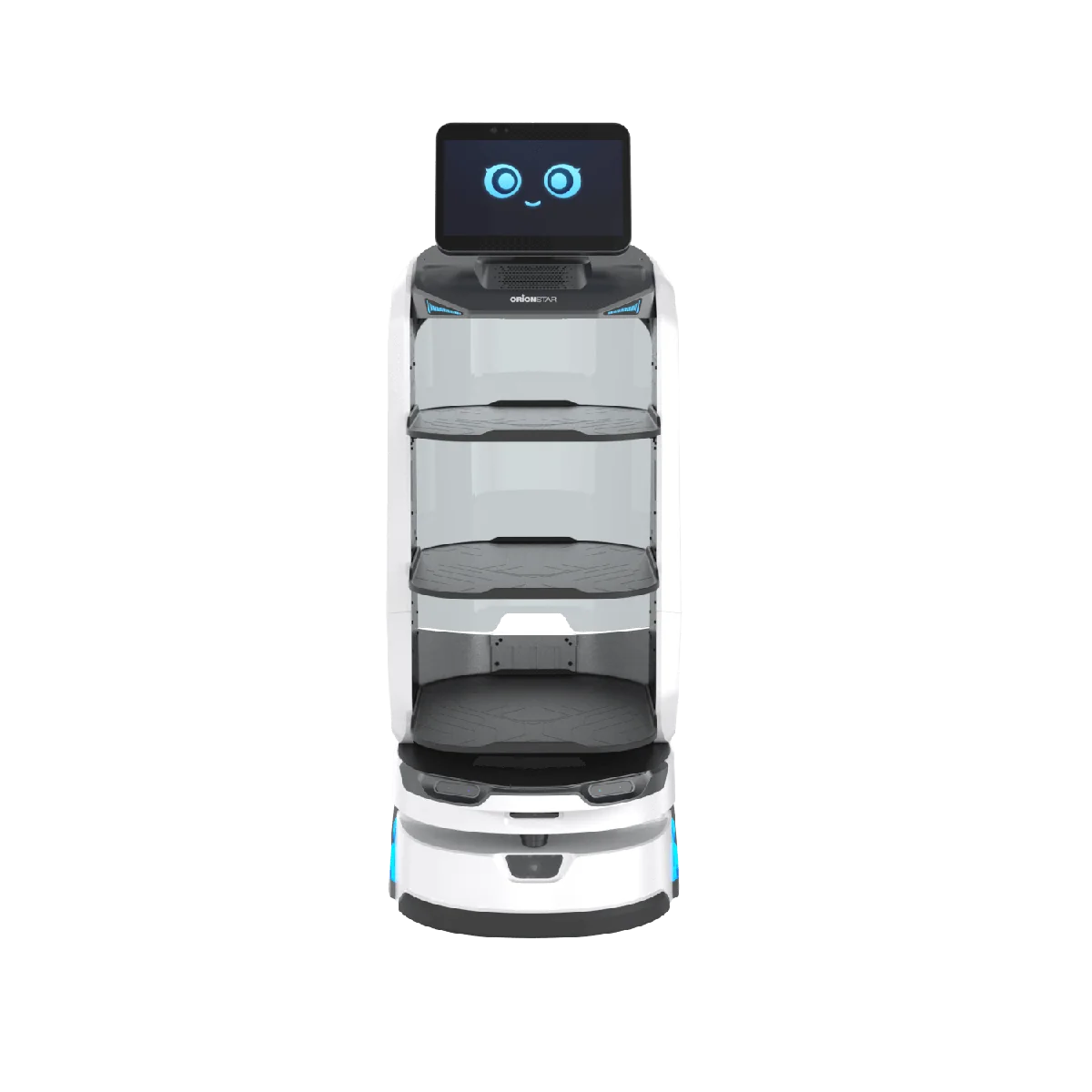
| OrionStar LuckiBot Pro | Up to 4 tiers of 15 kg | up to 12 h | 14-inch screen, 240° obstacle view with a 3D camera, ads between orders |
| Pudu HolaBot | 4 containers, 120 L | up to 10 h | Collecting dishes and moving loads, called by voice, gesture or smartwatch |
Step 3. Decide who does what
Give the robot one action: carrying dishes from the kitchen pass to the table. The rest stays with people: serving, talking to the guest, taking the order. To do this, decide in advance who loads the tray, who takes the dishes off at the table and who makes sure the robot doesn’t get stuck.
Step 4. Prepare the launch
- make a map of the dining room: the robot builds it on its first pass, and we help with setup;
- mark tables with numbers in the system, set return and charging points;
- train staff: how to load, how to call and what to do if it is blocked;
- tell guests: a small sign or a waiter’s hint will answer questions;
- start with a pilot for one shift and measure the result: how many trips, which stops, which complaints.
Step 5. Check the service and terms
Clarify the warranty, spare parts, training and delivery time. For a model it matters how quickly the battery can be replaced, how the software is updated and who is responsible for a technician’s visit.
What guests pay attention to
For a guest, the robot is part of the atmosphere. The Pudu BellaBot has a voice and emotions on its screen; on the OrionStar LuckiBot Pro screen you can show ads and promotions between orders. But noise, speed and size shouldn’t get in the way: check this on a test shift before launch.
Read also
- Service robots: which types exist and where they work
- Delivery robots in hotels and clinics
- KEENON ranks first worldwide in service-robot shipments
Frequently asked questions
Which waiter robot is best for a restaurant?
For wide halls and banquets — models with 40 kg and four tiers (Pudu BellaBot, Keenon T9). For tight dining rooms — the narrow Keenon DINERBOT T11, which passes from 49 cm.
Do I need to rearrange the room for a robot?
No, but you need to measure aisles and thresholds and clear obstacles on the route. The robot builds the map on its first pass.
How long does it run on one charge?
According to manufacturers: BellaBot — up to 13 hours, Keenon T9 — up to 18 hours, LuckiBot Pro — up to 12 hours. Real time depends on load and route.
Can I try the robot before buying?
We discuss a demonstration and a pilot when you order. Write to us and we will pick a testing format.