If you need a robot to teach students, test an idea or build a prototype, don’t buy an industrial cobot straight away. Desktop manipulators cost an order of magnitude less, need no fence and give the same basic skills: paths, coordinates, gripping, camera connection and a development environment.
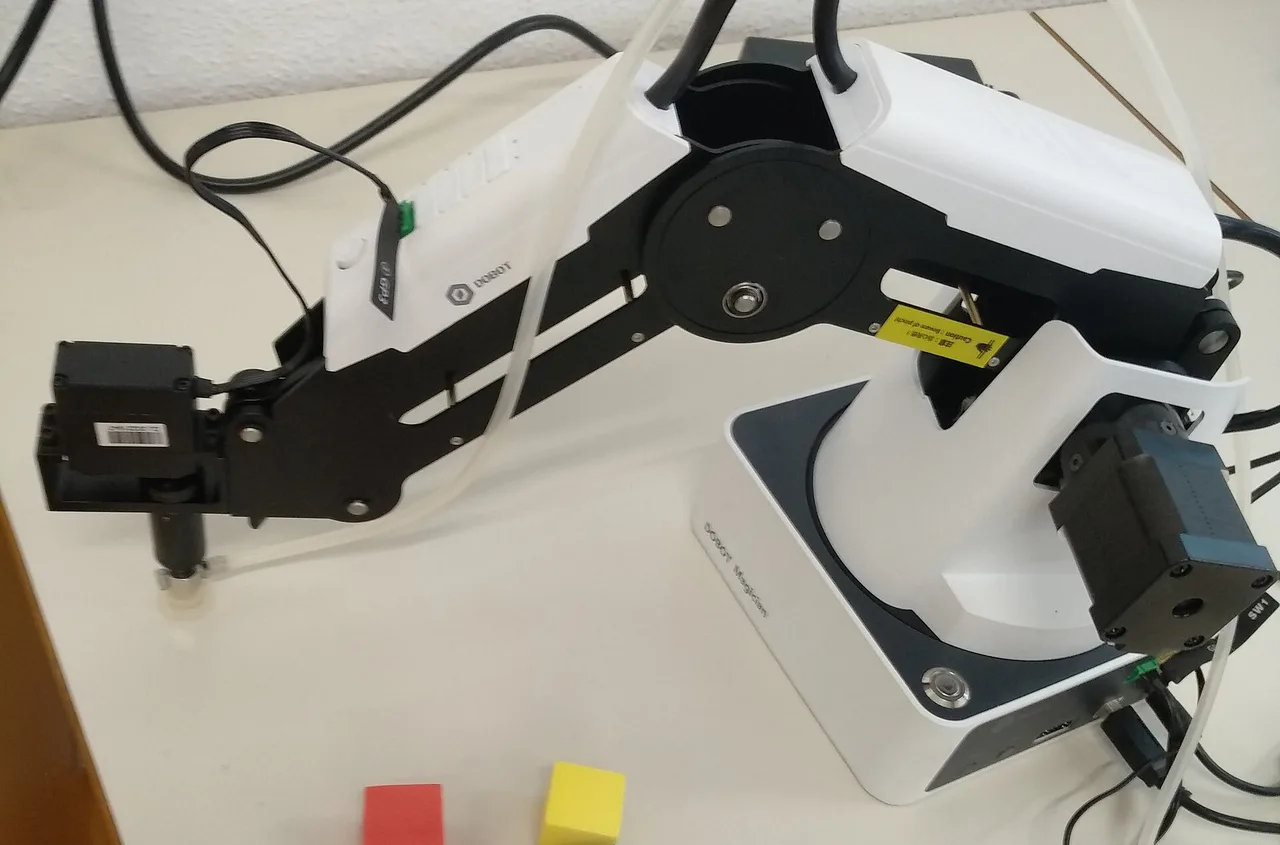
What a desktop manipulator gives you
- understanding of kinematics: how axes and joints turn into tool motion;
- work with coordinates, paths and points, not just buttons;
- programming in Python, ROS or graphical environments such as Blockly;
- experience connecting a camera, sensors and a gripper;
- quick experiments without the risk of damaging a part or hurting a person.
Three models from the catalog
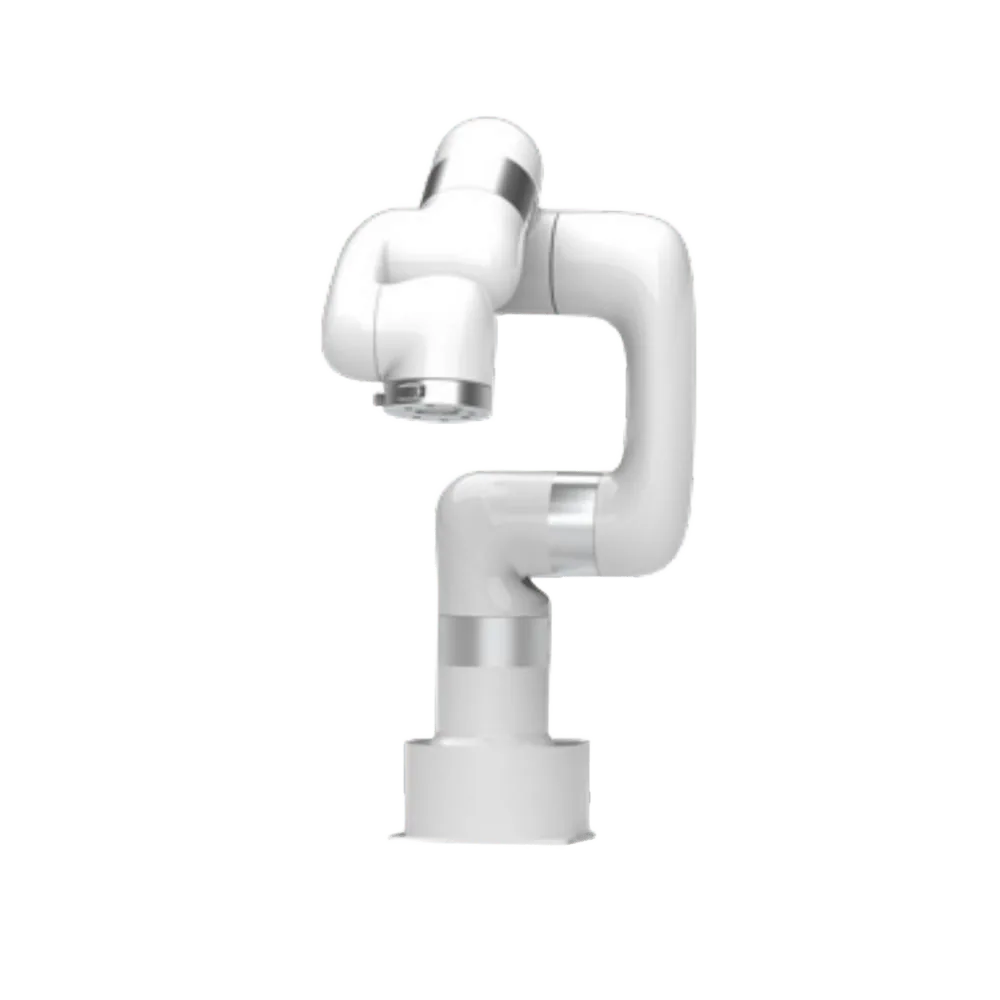
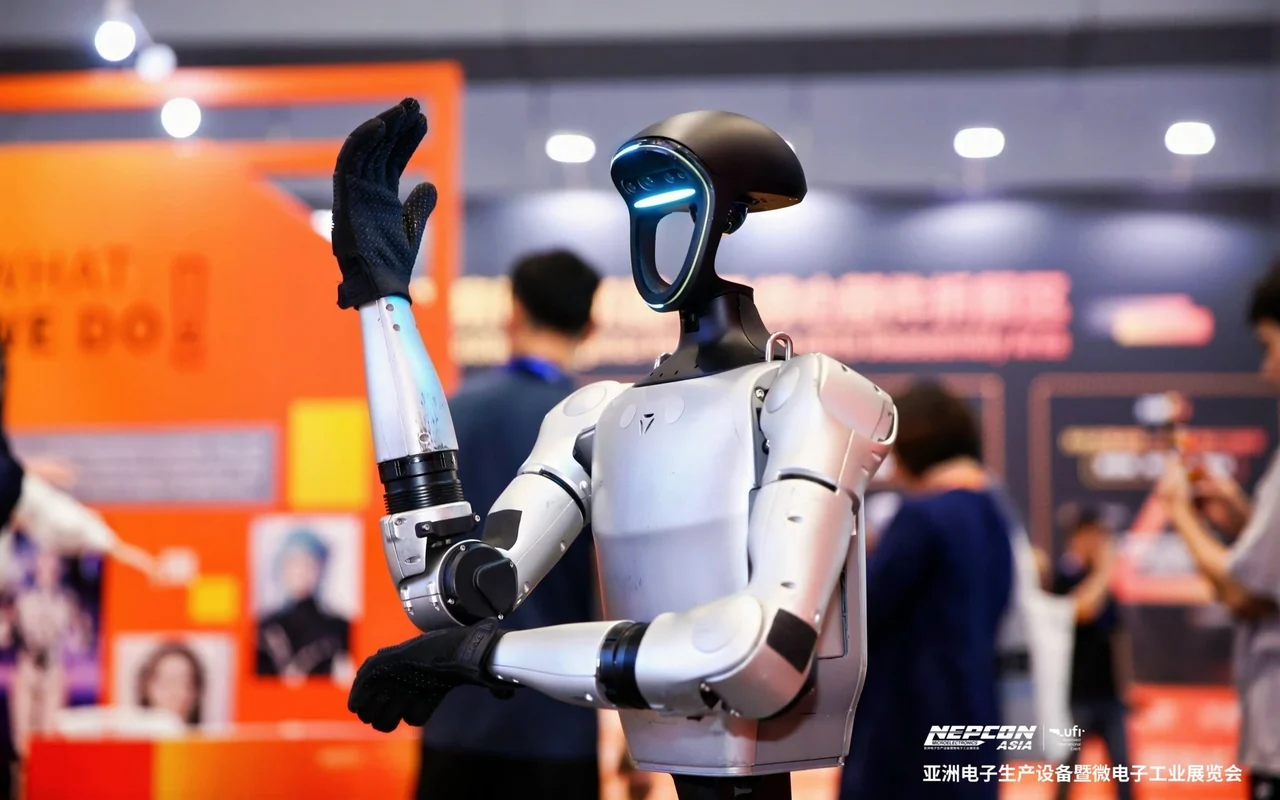
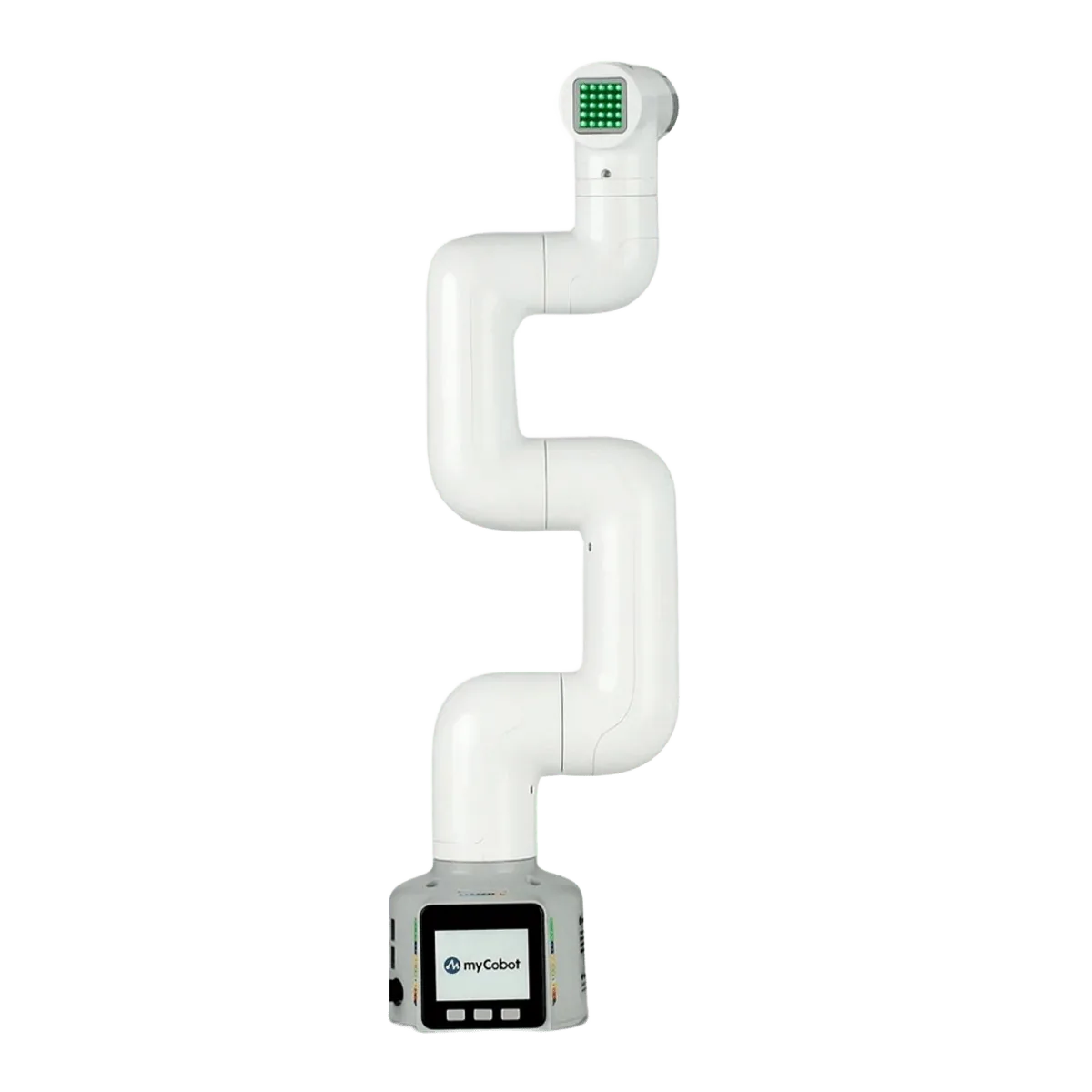
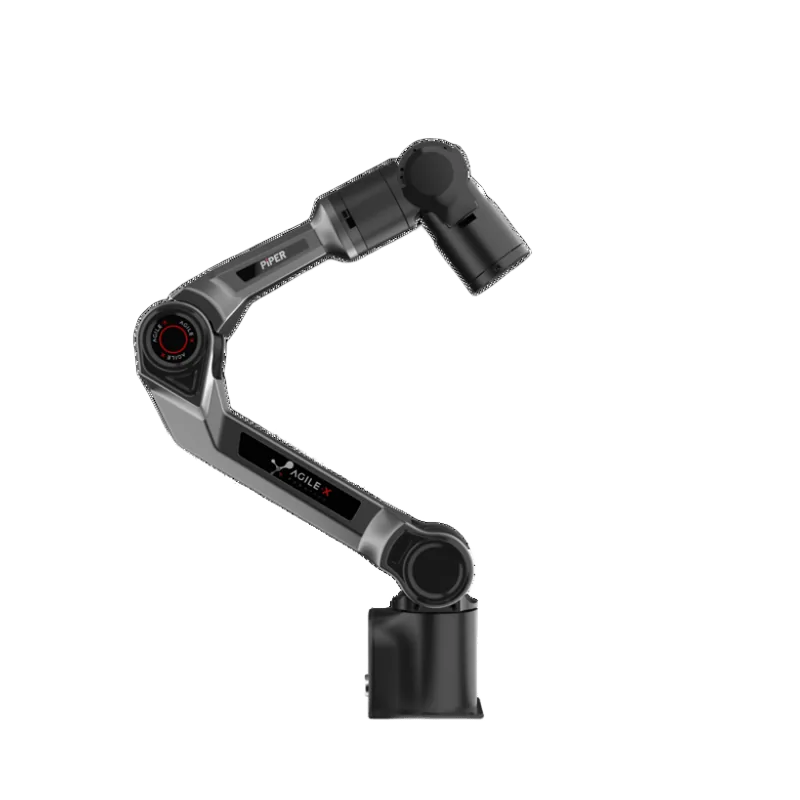
| Parameter | Elephant myCobot 280 Pi | UFACTORY Lite 6 | AgileX PiPER |
|---|---|---|---|
| Axes | 6 | 6 | 6 |
| Load | 250 g | 600 g | — |
| Reach / radius | 280 mm | 440 mm | 653 mm |
| Precision | — | — | ±0.1 mm |
| Programming | Python, ROS 1/2, myBlockly | Python, ROS, Blockly | ROS1, ROS2, Python API |
| Features | Built on Raspberry Pi, educational format | Desktop cobot for labs | 24 V power, CAN, teach-by-moving |
| Best for | Schools, universities, makers | Labs, teaching, testing | Labs, universities, mobile manipulation |
Where to start the lessons
- first lesson: hand guiding, saving points, moving an object from point A to point B;
- second: control from Python — coordinates, speed, waiting, loops;
- third: add a camera and find an object by colour or marker;
- fourth: connect the manipulator in ROS and build a simple cell: conveyor, camera, gripper;
- project: a mini sorting line, a coffee counter, a lab assistant robot.
What a desktop manipulator can’t do
Low payload and reach limit the tasks: it will not replace an industrial cobot in production and is not meant for heavy parts. But as a tool for teaching and prototyping it covers most tasks, from school courses to laboratory research. Once the prototype is ready, its algorithms are moved to a more powerful platform.
How to order for a classroom or lab
For educational institutions it helps to price a full kit right away: several manipulators, grippers, cameras, mobile stands and teaching materials. Leave a request on the site and tell us how many people are in the group and which subjects you plan to teach. We will select the set and send supply terms.
Read also
- Cobots by task: what to choose for a lab, café, assembly and machine tending
- Fingers or suction cups: choosing the right gripper for your cobot
Frequently asked questions
Where should I start learning robotics?
With a desktop manipulator: it is safe, inexpensive and lets you try hand guiding, Python and ROS. The Elephant myCobot 280 Pi and UFACTORY Lite 6 fit.
Does a teaching manipulator need a fence?
For small manipulators with a low payload, usually not, but classroom safety rules are still needed: a restricted zone and a briefing.
Which programming language should I use?
Most often Python; for complex tasks and research, ROS. For schoolchildren, graphical environments such as Blockly fit.
Can I move a program to an industrial cobot?
The logic and algorithms, yes, but parameters, safety and the interface must be set up again: each platform has its own environment.