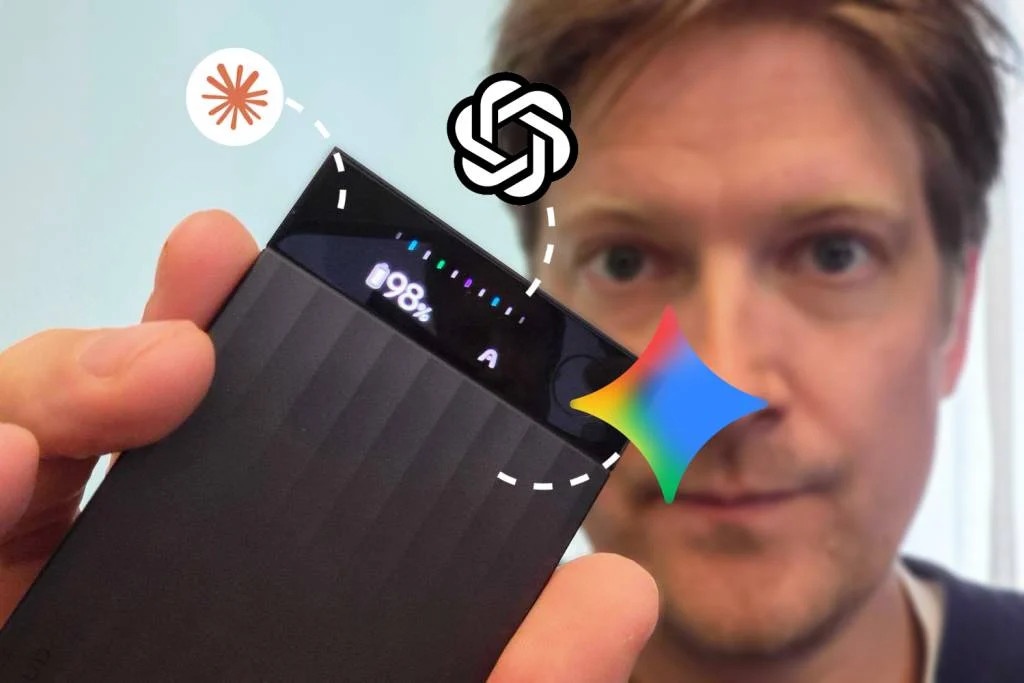
The meeting is over, but the real work with its outcomes is just beginning. Agreements need to be restored, tasks listed, deadlines clarified, and a clear summary sent to colleagues. A regular audio recording preserves the conversation, but doesn’t solve this task by itself: you have to listen to an hour-long talk all over again. An AI voice recorder adds the next step—turning audio into actionable material.
PLAUD Note Pro stands out as a combination of a compact device and a recording processing service. Let’s break down the hardware changes in the Pro, who benefits from them, and how to check the results before trusting it with your business agreements. This is an editorial review based on the manufacturer’s documentation, not our own device test.
How the journey from conversation to protocol works
It’s useful to separate three operations: audio recording, speech recognition, and preparing the final document. In the first stage, microphones, recorder placement, and room acoustics matter most. In the second—recognizing names, terms, and multiple speakers. In the third—how accurately the software identifies decisions, responsible parties, and deadlines. Good performance at one stage doesn’t guarantee quality in the others.
For example, a surname may be clearly heard in the recording but spelled incorrectly in the transcript. And the phrase “let’s discuss the launch in November” could carelessly be turned into a firm commitment. That’s why you should keep the audio as the original source, use the transcript for searching, and always review the final protocol before sending it to participants.
Note vs Note Pro: what’s different in the device
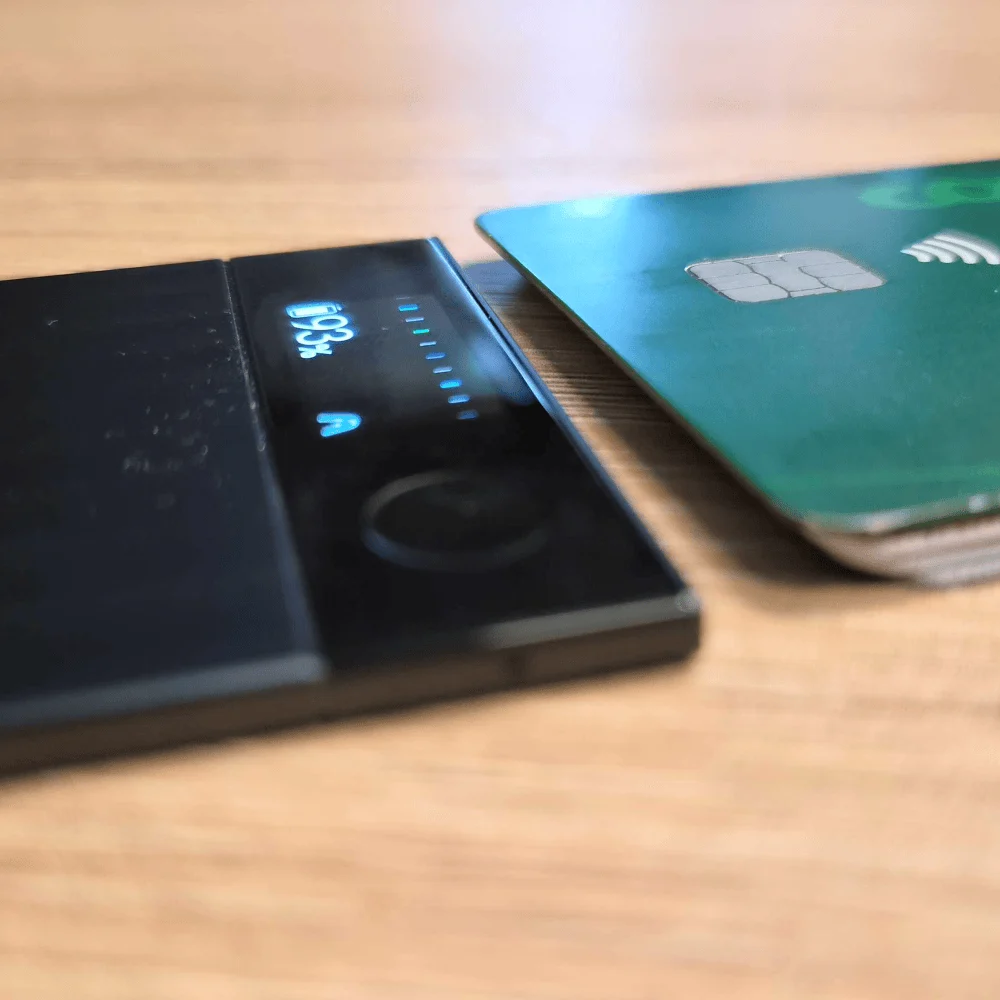
In the official comparison, PLAUD lists four MEMS microphones in the Pro versus two in the Note, voice pickup range up to five meters versus three, and up to 50 hours of continuous recording versus 30. These are manufacturer claims, not SHKARAN’s measurements. Actual performance depends on distance to speakers, background noise, and device placement.
| Parameter | PLAUD Note | PLAUD Note Pro |
|---|---|---|
| MEMS microphones | 2 | 4 |
| Claimed voice pickup range | Up to 3 m | Up to 5 m |
| Claimed continuous recording | Up to 30 hours | Up to 50 hours |
| Indicator | LED indicator | AMOLED display |
| Call recording mode selection | Manual switching | Automatic switching |
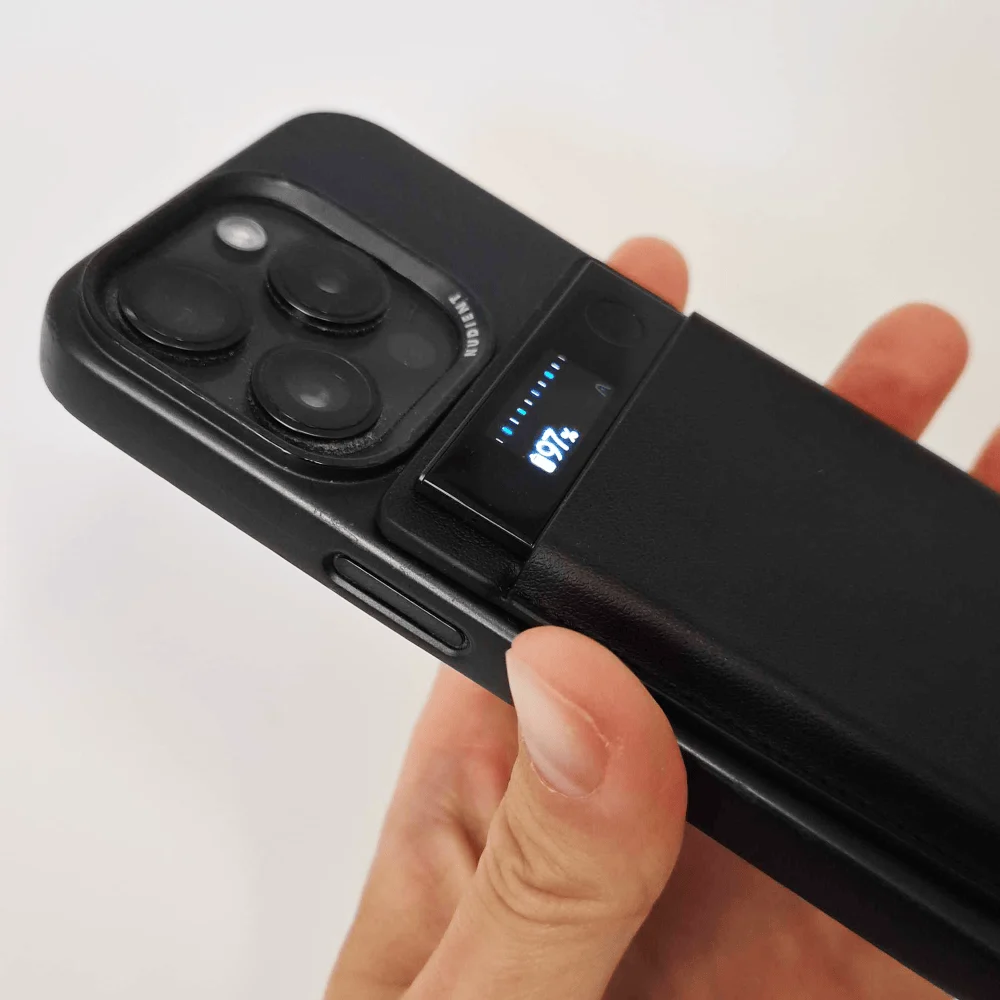
The screen is mainly useful for control: you can check device status right on the body. Extra battery life matters more when traveling or during a series of meetings than for a single conversation at your desk. Choosing the Pro just for higher specs isn’t necessary: first, describe your own usage scenario.
Three scenarios where you should test the device
Client negotiations. Here, the value isn’t in retelling the whole conversation, but in listing agreed requirements. After the meeting, it’s convenient to separately check the scope of work, constraints, deadlines, and unresolved questions. Even a quality protocol shouldn’t turn a client’s assumption into an approved technical specification.
Conversation with a manufacturer at an expo. A representative may quickly list configurations, production times, and service features. It’s helpful to prepare model names in advance and, right after the talk, note which booth the recording belongs to. Otherwise, a dozen similar conversations become hard to distinguish by evening. For multilingual meetings, check the quality of each required language separately.
Internal team meeting. The greatest value usually comes from decisions and next steps. A good processed result looks like a short structure: what was decided, who’s responsible, by when, and what remains open. A long, polished text without these four points may be less useful than a few neat handwritten notes.
How to run your own test in a single meeting
No special lab is needed for testing. Choose a conversation you know well, and list a few control details in advance: a surname, product name, number, date, and a phrase with a negation. Place the device where it will actually be used. Testing with the recorder right at your mouth won’t reflect results in a large meeting room.
After processing, compare the control points with the audio. It’s important to assess not just the percentage of correctly recognized words, but also the type of errors. A missed phrase in casual speech and a mixed-up order amount have very different consequences. Also check if the system distinguishes between discussing options and final decisions, and whether it correctly transfers names into the task list.
- Record calm speech and typical background noise for your work.
- Test a conversation with two and several participants.
- Compare the original phrase, the transcript, and the final summary.
- Make sure you can quickly find the needed audio fragment again.
- Evaluate the time needed for manual review of the final document.
What to check in the app and subscription
Device cost is only part of the decision. Before buying, clarify the available processing volume, how limits are calculated, export rules, and the terms of your chosen plan. Don’t rely on numbers from old reviews for today’s subscription: bundles and offers may change. For teams, it’s also important who gets access to recordings and final documents.
Imagine a typical month: how many meetings you want to record, their duration, and how many team members will use the results. Then check the entire workflow—from transferring the recording to exporting the text into your usual tool. If every conversation requires several inconvenient manual steps, the benefit of automatic transcription may be reduced.
When is your phone enough, and when do you need a dedicated voice recorder?
Using your phone makes sense for occasional, short recordings. Consider a dedicated device when recording becomes a regular work habit: quick access to the button, status control, and convenient placement become important. Compare under identical conditions—same room, similar participants, and the same type of final document.
Note Pro’s automatic mode switching applies to recording conversations and calls; compatibility with your phone and connection method should be checked separately. Don’t assume that a regular call, speakerphone, headset, and internet call will all deliver the same result. One test in your own scenario is more valuable than confidence from someone else’s demo.
Workflow after purchase
Agree with participants in advance about recording and how materials will be used. Give each meeting a clear name: date, company, topic. After processing, first check names, numbers, and commitments, then create a brief summary. Save a link to the original recording alongside the final document so you can revisit any disputed point.
SHKARAN Editorial Verdict: Consider Note Pro as a tool for regular conversation work. Its value isn’t in the length of the auto-generated text, but in the time you save preparing an accurate result. Test the entire process—from the first second of recording to a document you can truly trust.